

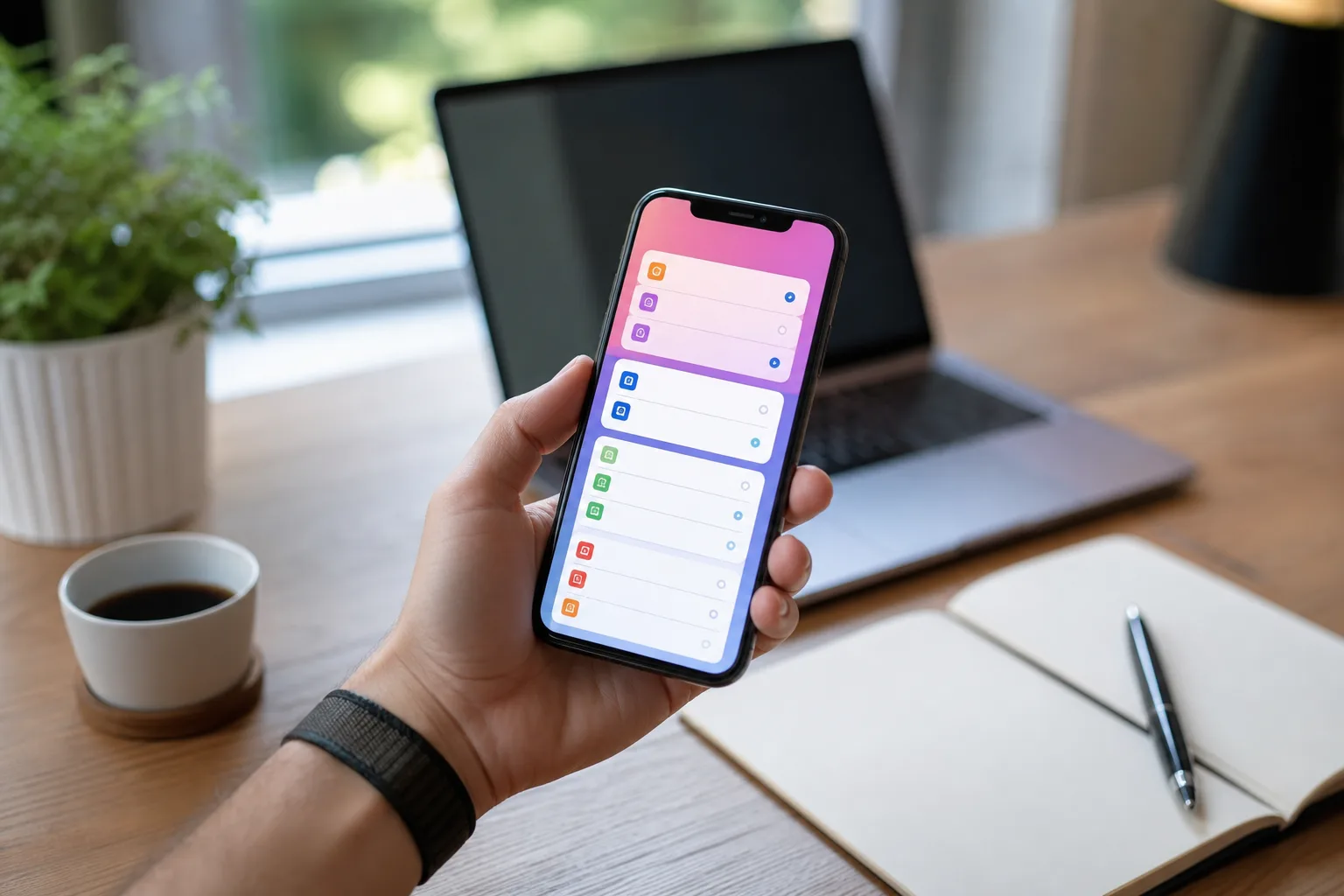
- The iOS 27 public beta appears more stable than many early Apple releases, though it remains unfinished software.
- Before installing the iOS 27 public beta, verify your essential banking, work, travel, and authentication apps function properly.
- A current encrypted iPhone backup is the practical insurance policy against beta bugs, data loss, and a painful rollback.
- Apple’s stronger focus on platform polish could make this year’s beta appealing beyond enthusiasts chasing new Siri features.
Table of Contents
The iOS 27 public beta has a tempting pitch
Apple wants beta testers to find the rough edges before autumn. That’s the deal. Yet the iOS 27 public beta arrives with a better argument than the usual annual preview: early reports describe an operating system that feels notably settled, while a new Siri experience gives people a real reason to take the risk.
My read is that this is one of those years when the answer isn’t automatically “absolutely not” for anyone outside the developer crowd. Apple’s software betas have historically ranged from mildly quirky to full-on phone sabotage. Remember the releases that made Bluetooth unreliable, chewed through battery life, or broke a favorite banking app at precisely the wrong moment? Public beta does not mean finished beta.
Still, platform polish can be a feature in itself. If iOS 27 is genuinely faster and more dependable in early testing, that matters more than another page of wallpaper options. The iPhone has become the device people use to board planes, approve payments, unlock offices, call family, and authenticate nearly everything else. Reliability is not glamorous, but it is the whole job.

Apple itself is admirably blunt about the bargain. Its Apple Beta Software Program warns that pre-release software can include errors and inaccuracies and may not perform as well as commercial releases. The company also asks participants to provide feedback on quality and usability. Translation: you are getting early access, but you are also part of the test lab.
Who should install the iOS 27 public beta?
The best candidate is someone with a spare iPhone, or a primary handset that isn’t carrying high-stakes obligations. If you can tolerate a reboot, an occasional app crash, and the possibility that a new feature changes before launch, the iOS 27 public beta may be a reasonable summer experiment.
That group now includes more than the traditional Apple hobbyist. Anyone curious about the new Siri will understandably want to see whether it lives up to the long buildup around a more capable assistant. Siri has spent years feeling like a voice-controlled kitchen timer with delusions of grandeur. If Apple has finally made it feel responsive and useful in ordinary interactions, that’s a meaningful shift for daily iPhone use.
But a beta should not be installed because a headline says it is stable. Stability is contextual. A person who mainly messages friends and scrolls social feeds can live with a visual glitch. A nurse using a hospital authentication app, a freelancer who needs a particular VPN, or a parent relying on school and childcare software has a different calculation. One broken app can turn a supposedly polished update into a nuisance with real consequences.
I’d put work phones, travel phones, and anyone’s only device for two-factor authentication in the “wait” column. The same goes for users who do not feel comfortable restoring a phone from a backup. There is no prize for being first, and Apple will ship a stable version later this year.
Check the apps that can actually ruin your day
The least exciting part of testing the iOS 27 public beta is also the most important: inventory your apps. Developers receive Apple’s early builds so they can update software before the wider release. Until they do, compatibility is a moving target. A beta can work beautifully right up to the moment your password manager, mobile bank, car app, or corporate device-management tool refuses to launch.
Start with the boring essentials. Check banking and payment apps; password managers; authenticator tools; workplace chat, VPN, and security apps; airline and rail apps; health portals; smart-home controls; and any accessory companion app you depend on. If you use an iPhone for your car key, a glucose monitor, or a camera workflow, add those to the list. These are the digital equivalents of checking whether you packed your wallet before leaving home.
Community reports can help, particularly when a developer has not published a compatibility statement. Reddit and product forums are useful for spotting patterns, but treat anecdotes carefully. A stranger saying an app works for them does not guarantee it will work with your account, region, hardware, or company policy. The cleanest answer comes from the app maker itself.
Also expect the situation to change. An app that fails on the first iOS 27 public beta could be fixed next week, while a later Apple build could introduce a new problem. That is normal beta churn, not necessarily incompetence from either Apple or the developer.
Backups are the line between adventurous and reckless
Before installing the iOS 27 public beta, make a current backup. Apple explicitly recommends backing up iPhone or iPad data, and Mac users should have a Time Machine backup too. That advice sounds routine until something goes wrong, at which point it becomes the only advice that mattered.
For maximum flexibility, use an encrypted local backup on a Mac through Finder, then verify that it finished. Encryption preserves data that an unencrypted backup may omit, including saved passwords and Health information. iCloud Backup is convenient and perfectly sensible for many people, but a local copy gives you another recovery path. Two copies in different places may sound excessive. So does carrying an umbrella five minutes before a downpour.
It is also wise to assume downgrading will be less graceful than installing. Moving back to a public release can require erasing the device and restoring it. Data created after the beta installation may not fit neatly into an older backup. If you cannot explain that process to yourself in broad strokes, don’t put the beta on your only phone.
Why this beta may be different, and why that still isn’t enough
Reports from early testing suggest Apple has put substantial effort into speed, reliability, and smaller quality-of-life fixes. Frankly, that is exactly where iOS needs attention. Grand new features make the keynote reel; fewer stalls, cleaner interactions, and more consistent behavior determine whether a phone feels good six months later.
The iOS 27 public beta therefore looks like a more defensible install than many of its predecessors, especially for experienced users who keep backups and know their app dependencies. Apple’s new Siri capabilities add genuine curiosity, while the emphasis on foundational improvements could make the software feel better even when you are not actively trying a headline feature.
But Apple has not released iOS 27 commercially, and that distinction matters. Features may be revised, restricted, or removed before the final release. Bugs that do not appear in a week of casual use can surface under unusual network conditions, with a specific accessory, or after an update lands at 1 a.m. That is the nature of software with millions of hardware and app combinations.
So install the iOS 27 public beta if you understand the trade and have a way back. Otherwise, wait for the fall release and enjoy the reports from the people volunteering their phones for science. The interesting question is whether Apple can carry this apparent focus on polish all the way to launch—because that would be more valuable than any beta-day novelty.
Frequently Asked Questions
Is the iOS 27 public beta safe to install?
The public beta may contain errors or inaccuracies and may not function as well as commercially released software. Back up your iPhone before installing it, and expect bugs, glitches, and some third-party apps not to work as expected.
How do I back up my iPhone before a beta update?
Back up your iPhone before installing beta software, as Apple advises. The source also recommends using Time Machine to back up your Mac.
Why do third-party apps break on iPhone betas?
Developers may not yet have optimized their apps for the new features in a beta release, so some apps might not work as expected. Check whether others have tested your must-have apps on the iOS 27 beta.

